Images
Every card, variant, set logo, set symbol and Pokémon has an image. In the data an image is an id, which you put into a url.
From id to url
| What | Url |
|---|---|
| Sized, AVIF | https://img.cardcorpus.com/s1/{width}/{id}.avif with a width of 240, 480 or 960 |
The recipe is in index.json under pictures, with the list of widths. Read it from there and a change of host or size never breaks your code. An image narrower than a width comes at its own width.
The images are AVIF only. Every current browser shows AVIF (Chrome 85, Firefox 93, Safari 16.4 and later). Elsewhere you need a decoder: Pillow 11.3 or later reads it in Python, as does any image library built with libavif.
const { pictures } = await fetch("https://pokemon.cardcorpus.com/v1/index.json")
  .then((res) => res.json());

const sized = (id, width = 480) =>
  pictures.sized.replace("{width}", width).replace("{id}", id);
An image for every variant
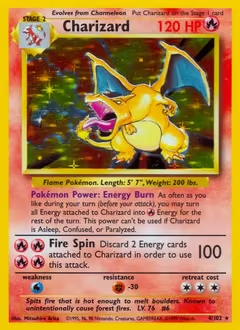
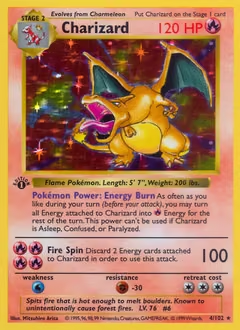
A card's own image is picture.front.image. Each of its variants has one too, so a 1st Edition variant shows the 1st Edition stamp.
Where a variant has no image of its own it borrows another variant's, and picture.front.of says which variant the image really shows. Some cards also have a back.
const get = (path) =>
  fetch(`https://pokemon.cardcorpus.com/v1/${path}`).then((res) => res.json());

const { pictures } = await get("index.json");
const set = await get("sets/english/base-set.json");
const charizard = set.cards.find((c) => c.number.printed === "4/102");

// Every variant has its own image, 240, 480 or 960 px wide
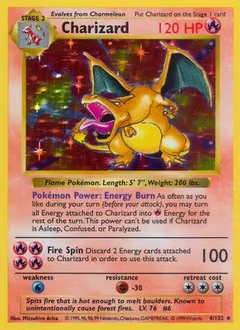
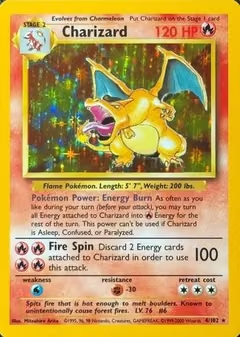
for (const variant of charizard.variants.slice(0, 4)) {
  const url = pictures.sized
    .replace("{width}", "240")
    .replace("{id}", variant.picture.front.image);
  console.log(variant.name, url);
}
Logos, symbols and Pokémon
A set's logo and symbol and a Pokémon's pictures.artwork are image ids too, and use the same urls. In the API reference, every field that holds an image id is marked as one.